← Back home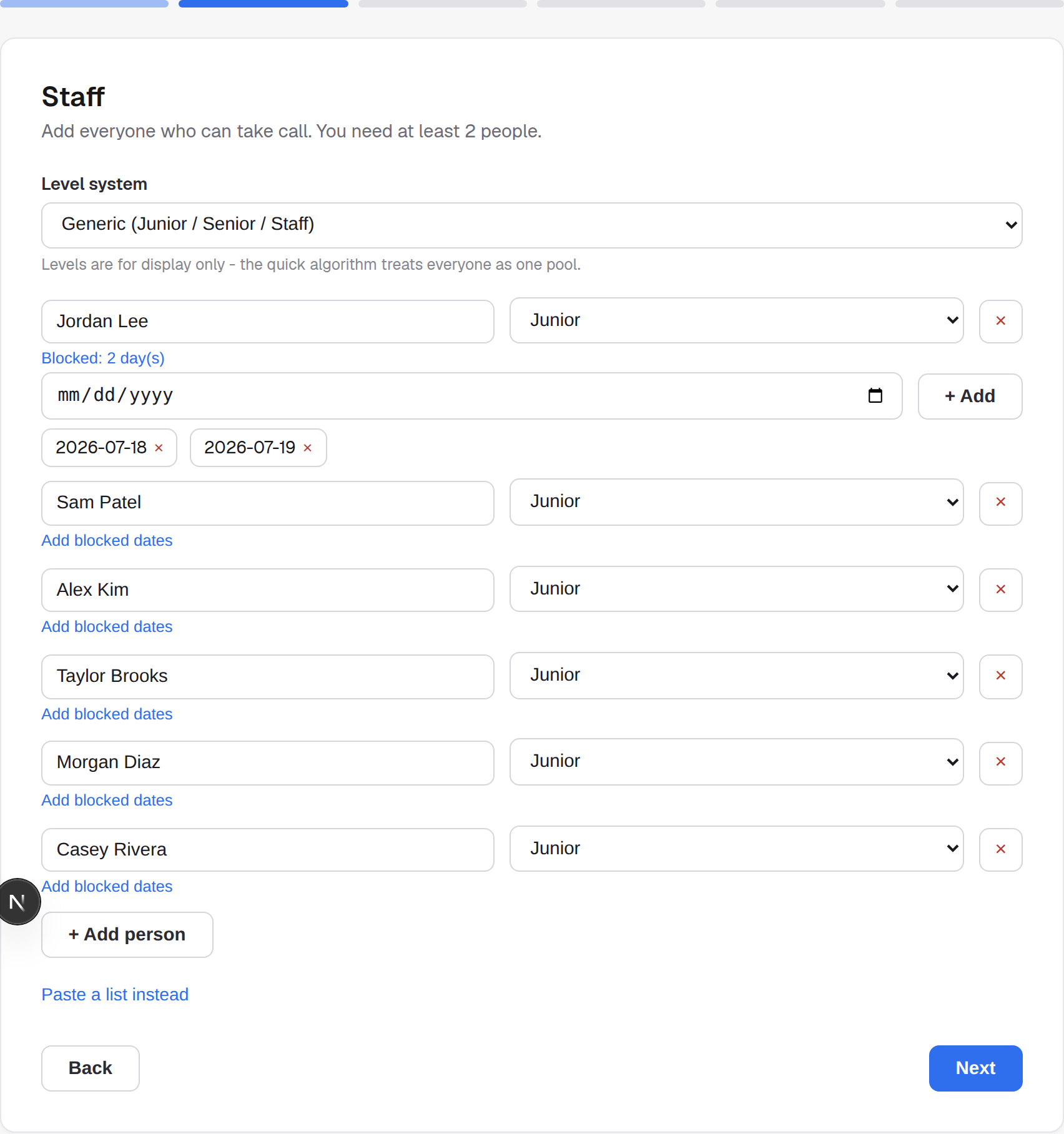
How to use On-Call Scheduler
Four steps from a blank page to an exported, editable schedule.
1. Add your team
Names, levels, and how many people each shift needs. You can also mark specific dates someone can't be on-call - the generator works around them automatically.
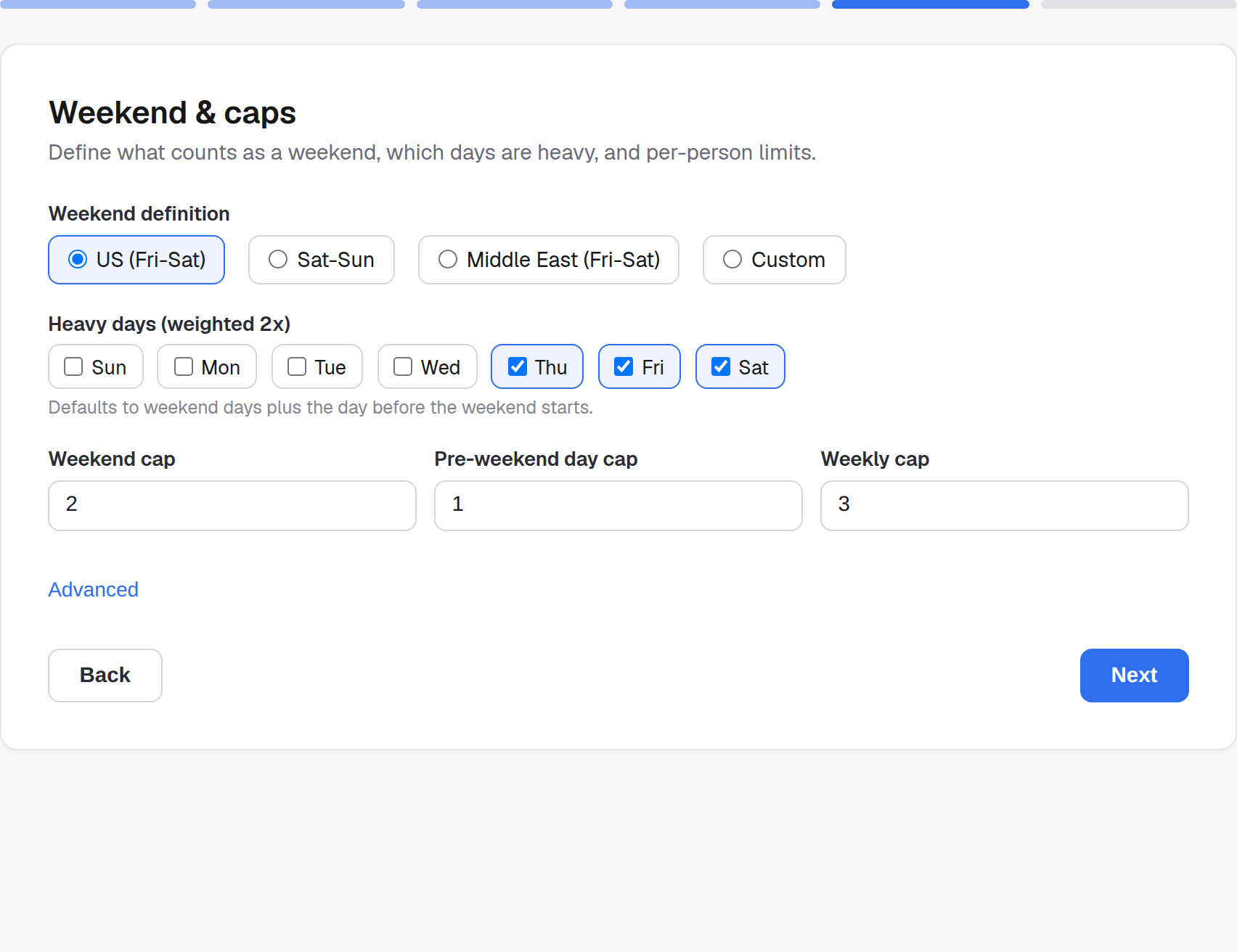
2. Set the rules
Weekend definition, heavy-day weighting, and per-person caps.
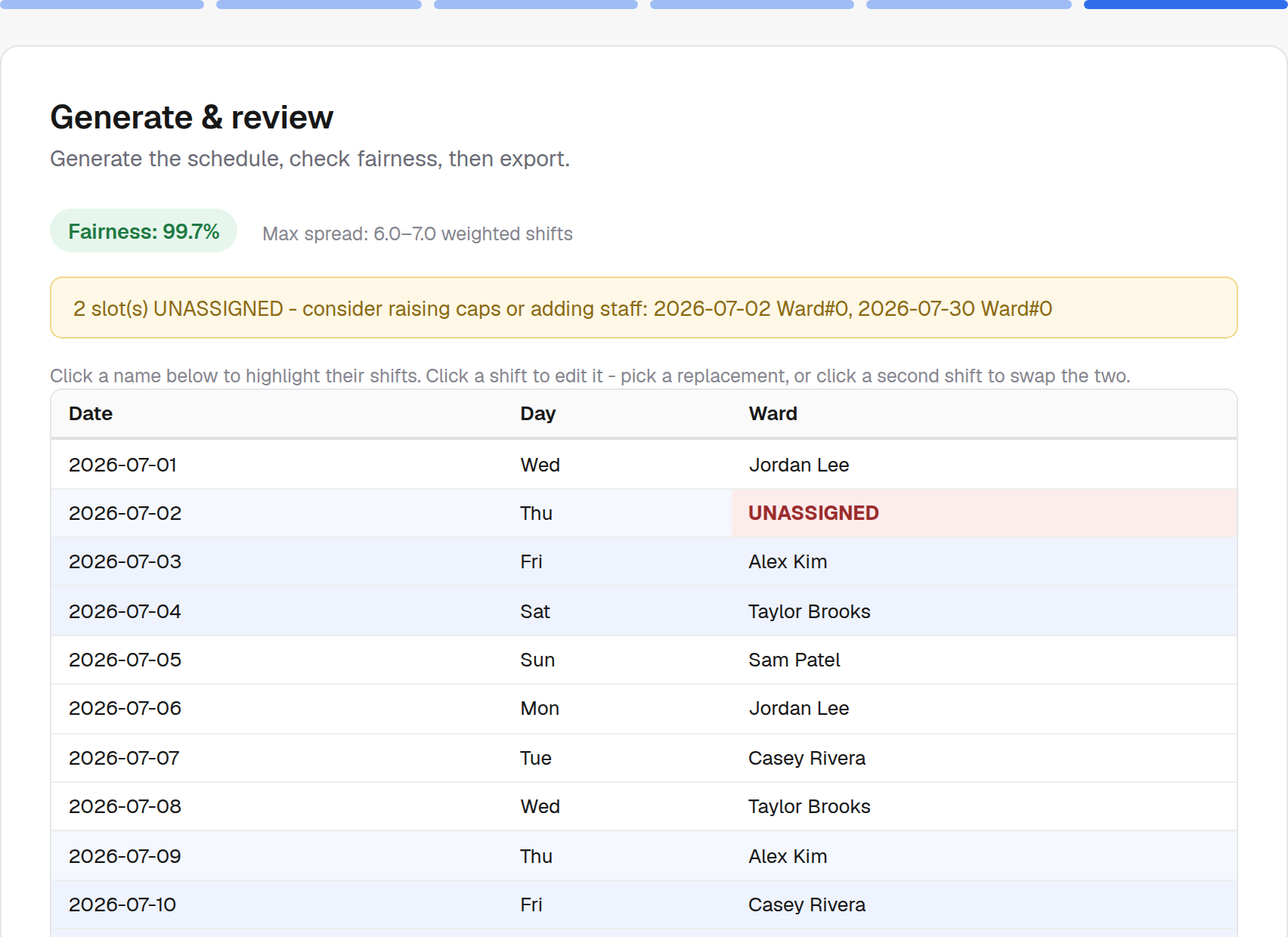
3. Generate & export
Review the fairness score, then download an Excel workbook.
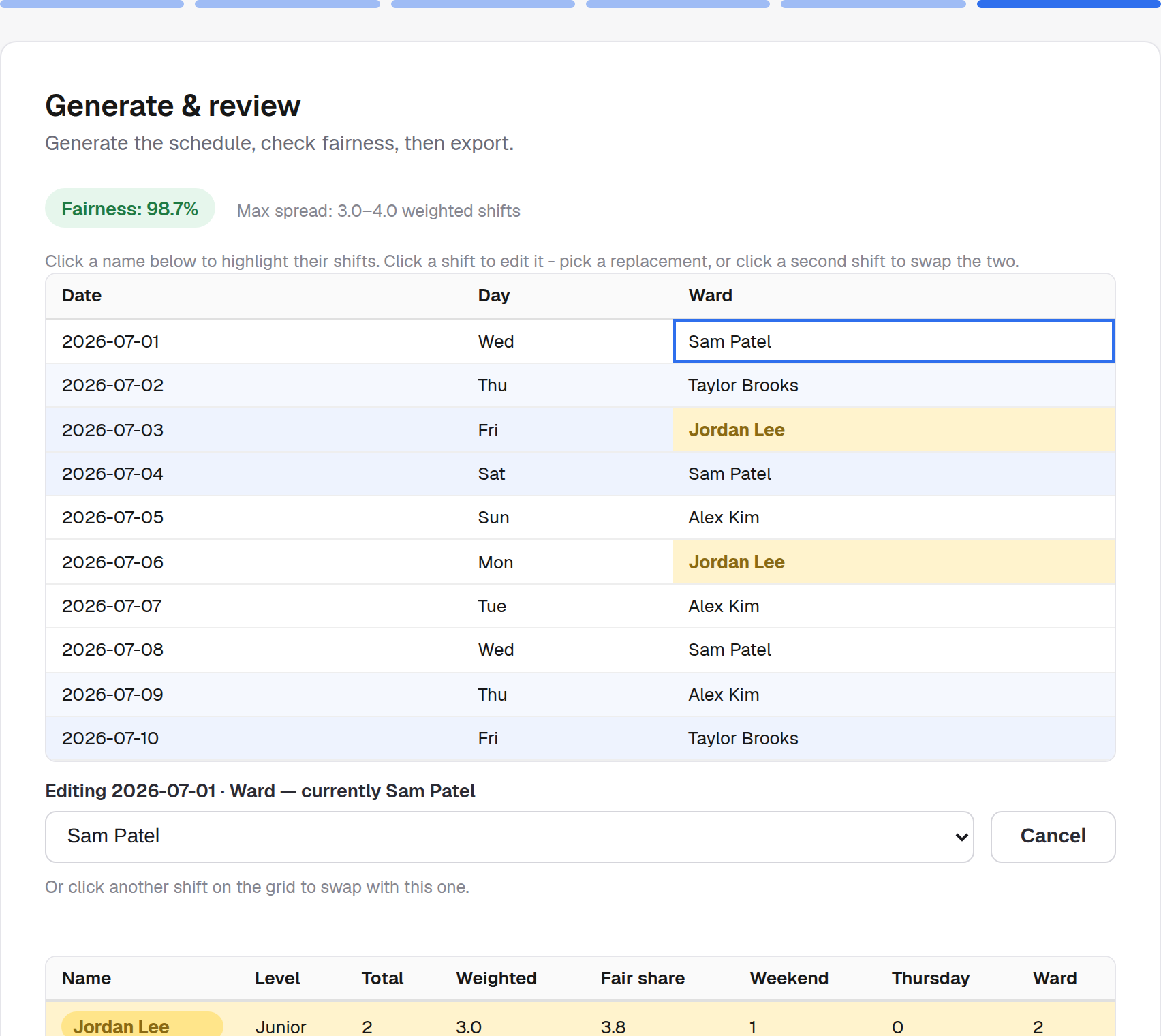
4. Fine-tune it
Click a name to highlight all their shifts across the whole schedule. Click any shift to reassign it to someone else or unassign it - or click a second shift while one's selected to swap the two directly.